B2B Marketing Attribution: How to Connect Ad Spend to Revenue

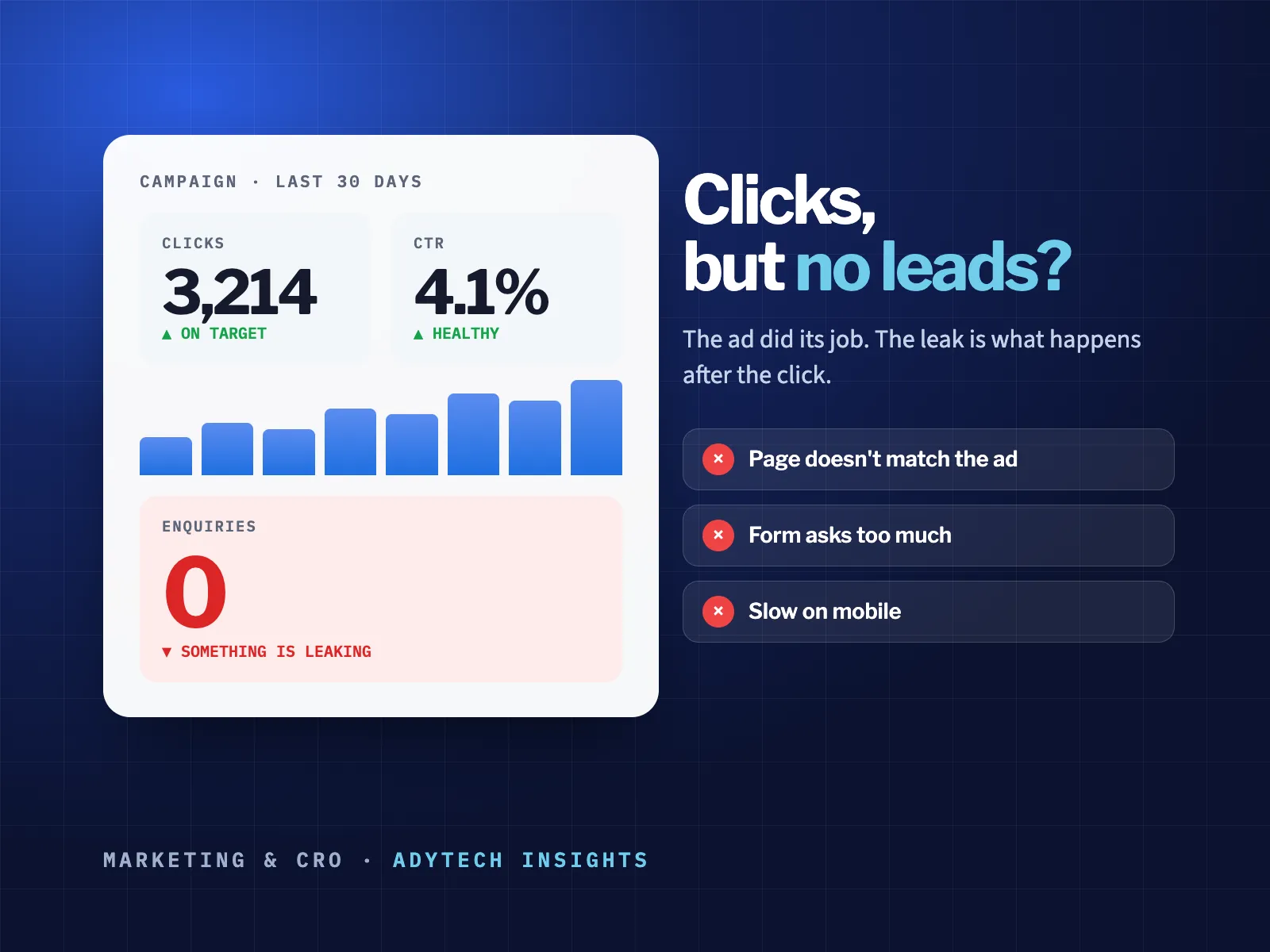
If you can’t see which campaigns produce revenue, you’re optimising for clicks. Here is a practical way to connect spend to pipeline.
Most B2B marketing reports stop at leads. But a campaign that produces fifty unqualified leads can be worth less than one that produces five real opportunities. Attribution is how you tell the difference.
Step 1: Make UTMs non-negotiable
Every paid and owned link — ads, emails, social posts, partner links — should carry consistent UTM parameters (source, medium, campaign). Agree a naming convention and keep it in a shared sheet.
Step 2: Capture source on every lead
When a visitor converts, store their first-touch and last-touch source, campaign and landing page with the lead record. Don’t rely on analytics tools alone — put it in the CRM, where revenue lives.
Step 3: Define pipeline stages honestly
Lead → qualified → opportunity → proposal → won/lost. With clear entry criteria for each stage, you can calculate conversion rates and cost per stage by source.
Step 4: Close the loop with ad platforms
Send offline conversions — qualified leads and won deals — back to Google Ads and other platforms. Their bidding algorithms then optimise for the leads that matter, not just form fills.
Step 5: Use a simple model first
You don’t need a complex multi-touch model on day one. Start with first-touch (what created demand) and last-touch (what captured it). Compare them side by side; the differences are often the most useful insight.
Step 6: Report on revenue metrics
Replace "cost per lead" with:
- cost per qualified lead,
- cost per opportunity,
- pipeline and revenue by channel and campaign.
Common pitfalls
- Leads entered manually without a source
- Different teams using different campaign names
- Sales stages updated irregularly
- Judging long sales cycles on a two-week window
Need marketing and sales on one funnel? See B2B lead generation optimisation, CRM implementation or growth marketing consulting.